
Delete your everbud account
everbud is made by YourPace Mentor. You can delete your account and everything backed up to it at any time.
In the app (fastest)
- Open everbud and go to More › Settings.
- Tap Delete account at the bottom and confirm.
Deletion happens right away.
Without the app
Email privacy@everbud.app from the email address you sign in with, with the subject "Delete my everbud account". We'll confirm it's you and delete the account within 7 days.
What is deleted
- Your account: name, email and profile photo.
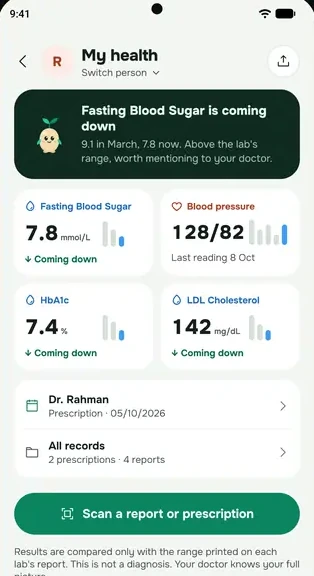
- Everything you logged and backed up: health records, medicines, blood pressure, lab results, cycle, prayer, Qur'an and fasting logs, journal, tasks and the rest.
- Your stored files and doctor packs.
- Everything you shared with family, and your place in friends, groups and competitions.
- Your notification tokens.
Data on your phone is removed when you uninstall the app.
What is kept
Not linked to you: payment records we must keep for tax and accounting (kept as the law requires), a one-way scrambled device ID that stops a second free trial on the same phone, a one-way scrambled form of your Google or Apple sign-in with this month's AI use count, kept for 30 days so deleting and re-creating an account doesn't reset the free AI allowance, if we refunded a payment, a record of the refund with the same scrambled sign-in, so repeat refunds can be reviewed, and paras you finished in a family khatam, which stay counted for the family without your name.