

Set it up together
- Start Family on your phone. You can try it free for 14 days.
- Invite your parents, or add a parent who has no phone.
- See today's doses at a glance, and get an alert if one is missed.
If your parents have a smartphone
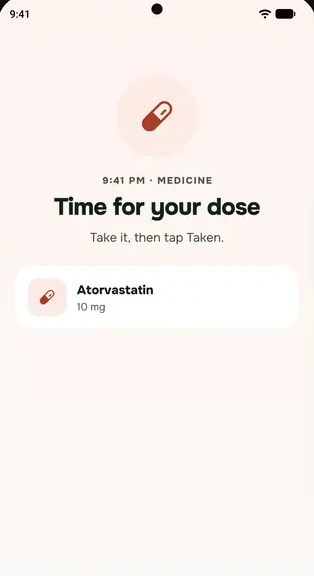
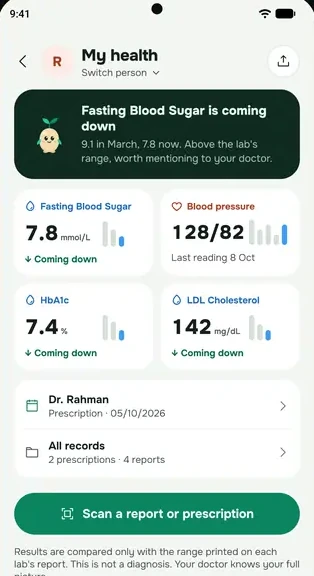
They install everbud and join your family from an invite. They choose, person by person, what to share: today's medicines, their latest blood pressure, and a note if they haven't opened the app for 2 days. With Family, if a dose isn't marked 30 minutes after its time, you get an alert straight away.
If Ammu has no phone
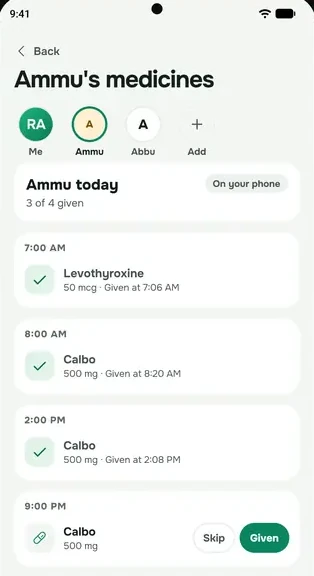
Add her medicines on your own phone. At each dose time everbud reminds you, and once you've checked with her, or with whoever looks after her at home, you mark it Given. Caring for a parent without a phone is part of the Family plan.
everbud helps you keep track. It does not replace their doctor, and nobody should change a medicine because of an app.
Questions
What can I see, and what stays private?
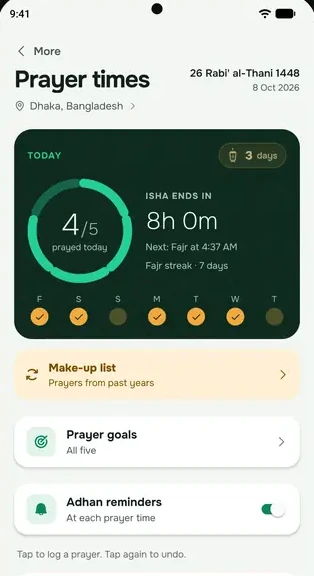
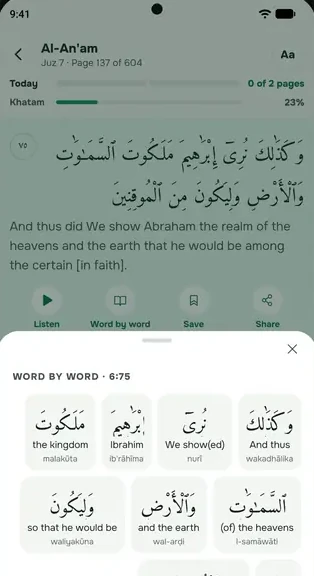
Only what your parent chooses to share, and they can change it any time. Their prayers, Qur'an, location, meals and journal are never shown to family. What family can and can't see.
Does my parent need a smartphone?
No. On the Family plan you can keep a parent's medicine times on your own phone and mark each dose yourself.
What if their phone is offline?
If their phone has been offline, you see that it's offline instead of a missed-dose alert, and get an update once it's back.
Start everbud for free
Try the Family plan free for 14 days when you set up everbud. No card needed, and afterwards you stay on Free unless you choose a plan.