You decide what each family member sees, person by person, and you can change it any time.
What you can share
For each person you share with, there are four switches:
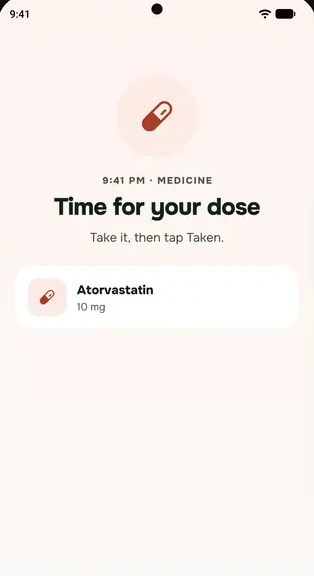
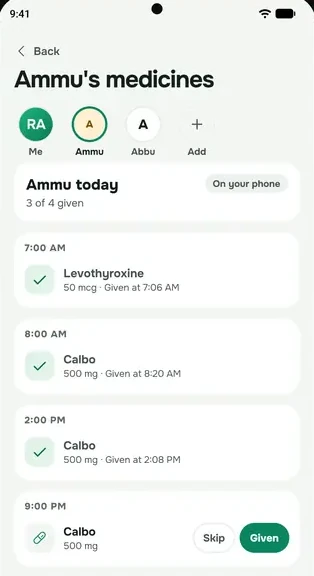
- Medicines: your doses for today, and an alert if a dose isn't marked 30 minutes after its time.
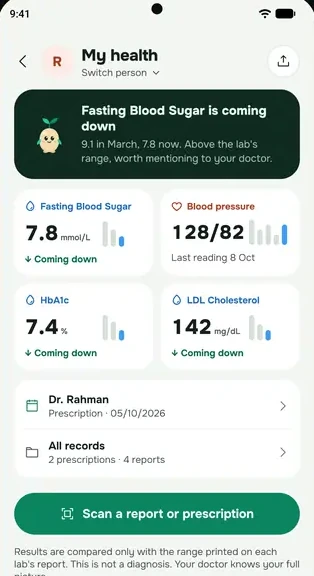
- Blood pressure: your latest reading, and an alert for a reading of 160/100 or higher.
- Quiet days: an alert if you haven't opened everbud for 2 days.
- Lab reports: off unless you turn it on.
When you join a family from an invite, the first three start on, and you can turn any of them off before tapping Share and continue.
Change what you share
- Go to More → Health → Family care.
- Tap What I share with family.
- Change the switches for each person, then tap Share.
Never shared, with anyone
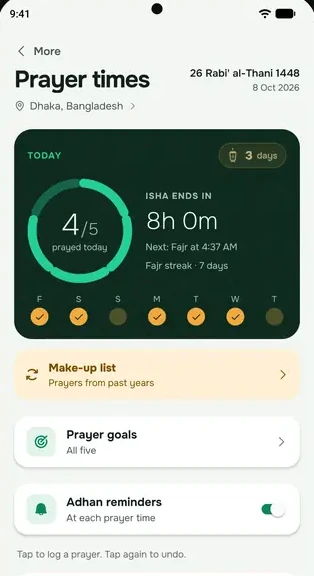
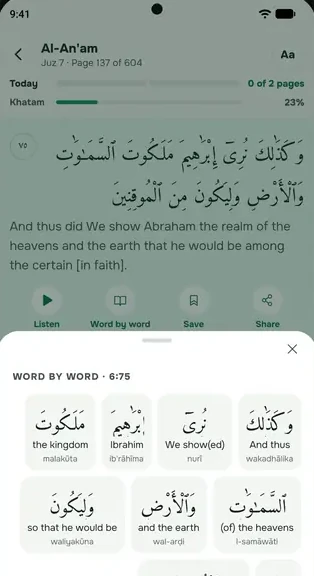
Your prayers, Qur'an, fasting, cycle, journal and location are never shown to family. Neither are water, meals, sleep, steps or supplements. See Your prayer, Qur'an and cycle records stay private.
About missed-dose alerts
- An alert goes out when a dose isn't marked 30 minutes after its time. If your phone has been offline, family see that your phone is offline instead, and get an update once it's back.
- Family members on the Family plan see what you share and get alerts straight away. Without Family, they get at most one short note a month, the day after a missed dose.
Stop sharing
Switch it off in What I share with family. Or, on the Together tab, open your family and tap Leave family. Leaving stops sharing both ways.