
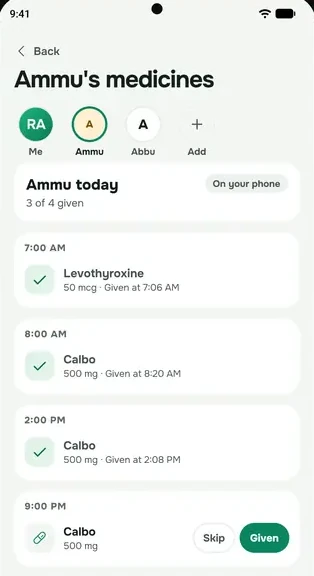
Bring your family into everbud so you can look after each other's medicines. A family can have up to 6 people, including you.
Send an invite
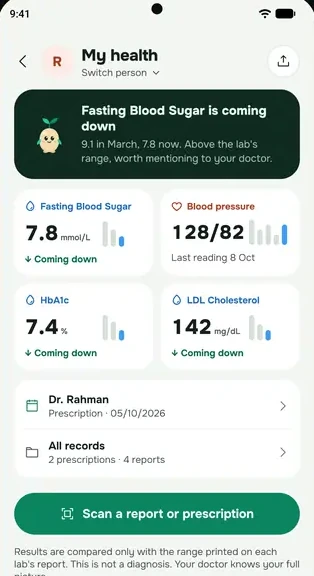
- Go to More → Health → Add family member.
- Type their name (or what you call them, like Mom), choose who they are to you, and tap Continue.
- When asked if they use a smartphone, tap Yes, a smartphone.
- Their invite is ready. Tap Send on WhatsApp, Show QR code (they scan it with their phone's camera, sitting next to you) or Copy link (to paste in SMS or Messenger).
- Tap Done.
Each invite works once, for 7 days. Make a new one for each person.
What they do
- They open the link or scan the QR code on their phone.
- If they don't have everbud yet, the page takes them to Google Play. After they install it and sign in, the invite is waiting for them.
- They tap the join button with your name on it, like Join Rahim's family.
- They choose what you can see, then tap Share and continue.
everbud is on Android and iPhone. Install it from Google Play or the App Store and sign in, and the invite will be waiting.
Got a code instead of a link?
Go to More → Health → Family care, tap Have an invite code?, type the code or paste the link, and tap Open. Invite codes are 8 letters and numbers.
Other ways to add someone
- Already friends in everbud? Go to More → Family and friends → Friends, tap their name, then Add to my family. They get a notification to join.
- Parent without a smartphone? Choose No, I'll look after it in step 3. You add and track their medicines on your phone. This needs the Family plan.
Invite not working? See Invite link not working.