You can get a copy of everything everbud holds about you, any time, in one file.
Get your file
- Open everbud and go to More → Settings.
- Under Account, tap Download my data.
- Wait a few seconds while everbud prepares the file.
- Your phone's share menu opens. Choose where to keep the file: save it to your phone, to Google Drive, or email it to yourself.
The file is called something like everbud-data-2026-10-01.json.
What's in it
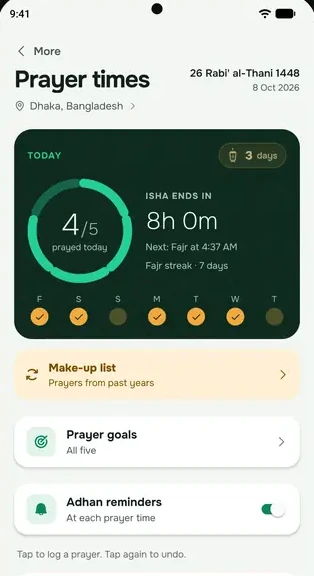
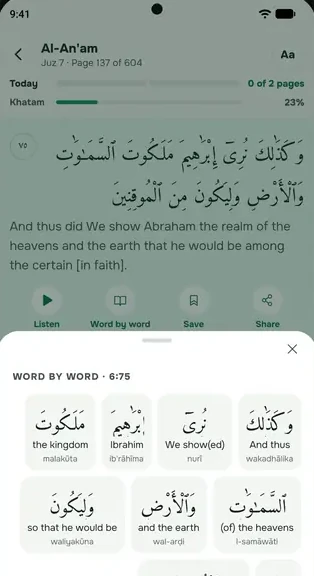
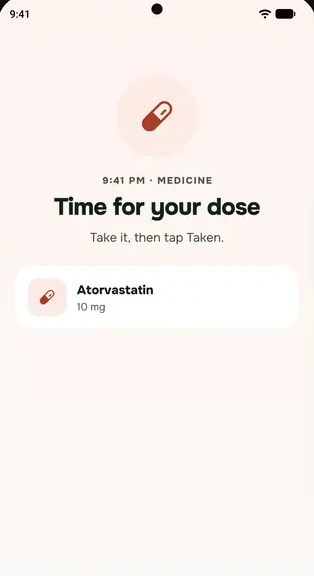
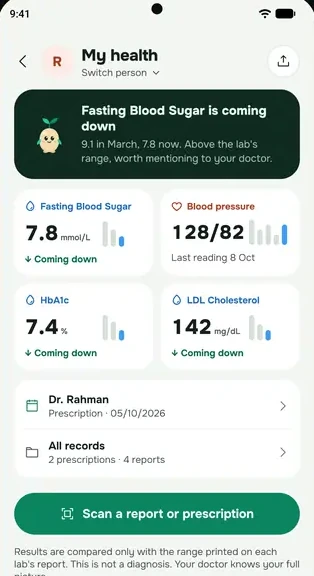
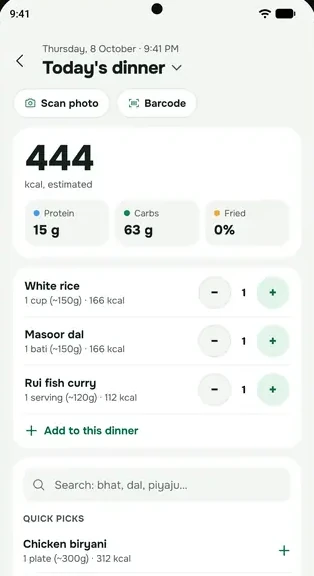
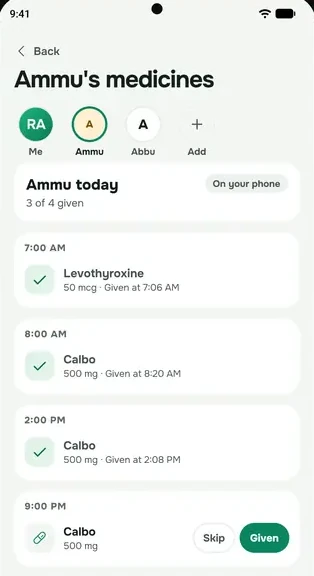
- Everything stored on your phone: medicines and doses, prayers, Qur'an, fasting, cycle, readings, lab results, meals, journal, tasks and the rest.
- The copy kept in your account on our servers.
Photos aren't included, only their file names. The file is in JSON, a plain-text format that other apps and computers can read. You can open it in any text editor.
If something goes wrong
- Offline? You'll still get a file, with the data on your phone only. A note inside says the account copy couldn't be fetched. Connect to the internet and try again for the full copy.
- Couldn't prepare your data: check your internet and try again in a minute.
Keep it safe
The file contains your health and prayer records. Store it somewhere private, and think twice before sending it to anyone.
Want everything deleted instead? See Delete your account.