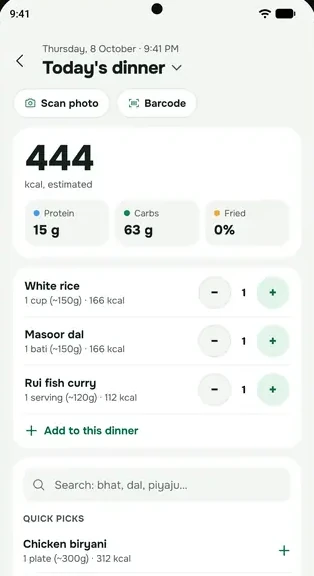
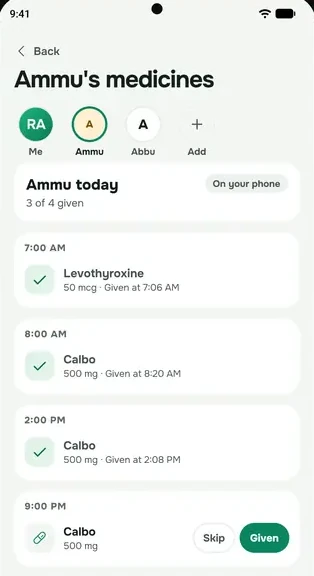
Point your camera at a meal, a lab report or a prescription, and everbud reads it for you. You check the result before anything is saved.
What you can scan
- Meals: on Home, tap Scan a meal, or tap Add on the Meals tab. You get the dishes, how much you ate, and an estimate of calories, protein, carbs and fat.
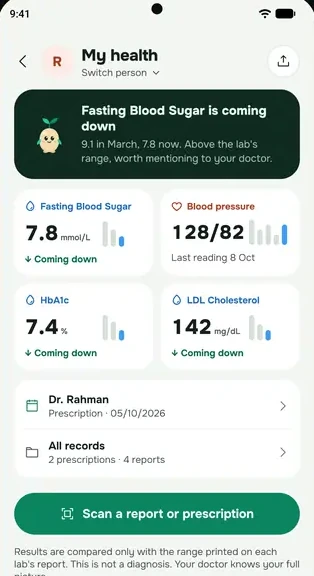
- Lab reports: More → Health → Health records → Scan a report or prescription, then Lab report. Each result is copied with the lab's own printed range.
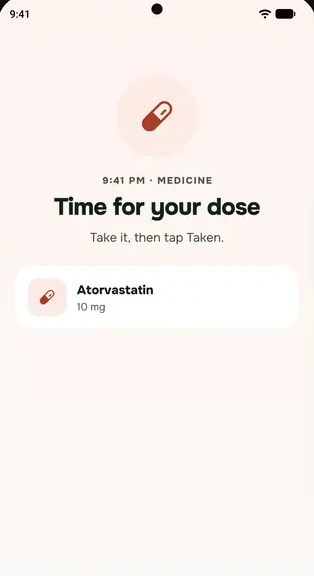
- Prescriptions (Plus and Family): the same button, then Prescription, or Scan a prescription on the Medications screen. It reads the medicines, doses, doctor and follow-up.
- Supplement labels, your fridge (for healthy recipes) and gym equipment.
Barcode lookups are not AI scans and don't use your allowance.
Scan in four steps
- Take the photo, or tap the gallery icon to pick one. Use good light, keep the page flat, and fit the whole page in.
- The first time, read Before scans and Sprout can help and tap I agree.
- Check every line. Tap any value to fix it. For a prescription, tap Looks right on each medicine. For a lab report, anything hard to read is left blank for you to fill in.
- Save. Nothing is saved until you confirm it.
What scans can't do
- Scans are AI estimates. Meal calories are a guide, not an exact count.
- AI can misread handwriting. Check each medicine name and dose against your prescription, and always check with your doctor or pharmacist.
- A scan is not a diagnosis, and it never tells you to start, stop or change a medicine. Only your doctor can do that.
How many scans you get
Each scan uses one AI action. Free includes 15 a month (prescription scans need Plus or Family). Plus includes up to 400 a month, and Family 600 shared by the family. See Free, Plus and Family for the details. If you run out, you can always type it in by hand, free.
What happens to the photo? See What happens to your scan photos.