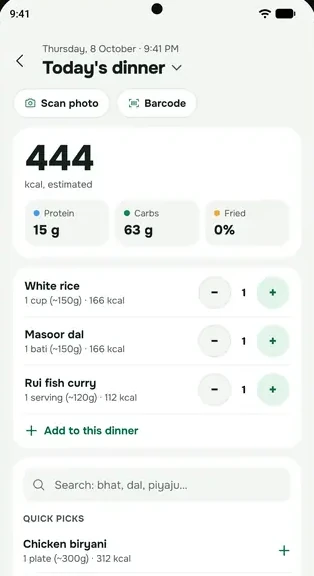
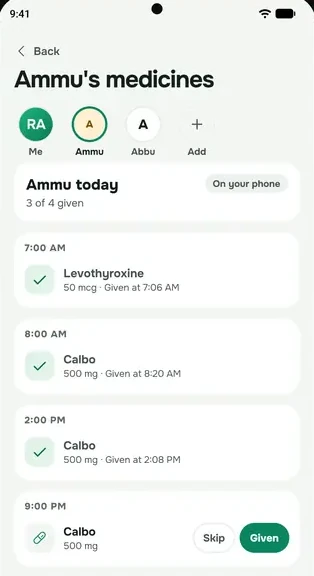
When you scan something, the photo is sent once to be read. We don't keep it on our servers. Here's the whole journey.
Step by step
- You take or pick a photo in everbud.
- The app sends it to our server, which passes it to an AI service to read. Your email and account ID are not sent with it.
- The AI sends back what it found. You check it and edit anything that's wrong.
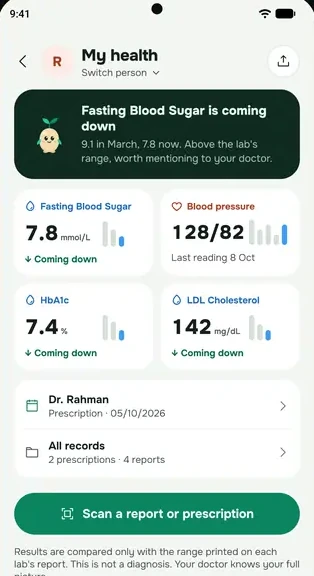
- Your account keeps only what you save, such as the medicine names and doses, or the results and the lab's printed ranges. The photo is not stored on our servers.
What stays on your phone
When you save a meal, prescription or supplement scan, everbud keeps a copy of that photo inside the app on your phone, so you can look back at it. It is never uploaded to your account. It goes when you uninstall the app or delete your account. Lab report, fridge and equipment photos are not kept at all.
Who reads the photo
The AI request goes through a service called OpenRouter, to a model provider, Google (Gemini) or OpenAI. We ask OpenRouter to use only providers whose policies say they don't store or train on what they're sent. They process the photo to return a result, under their own terms.
Good to know
- AI features run only after you agree to them. To stop them, go to More → Settings and turn off Scans & Sprout (AI). Everything else in everbud keeps working.
- Journal and progress photos never go to the AI. They stay on your phone.
- If you picked the photo from your gallery, it is still there. Delete it in your gallery if you don't want to keep it.
Read more in How scans work and our privacy policy.