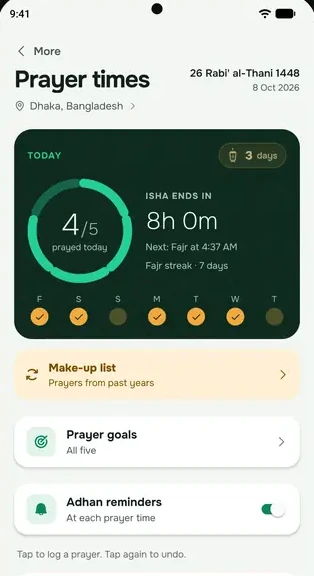
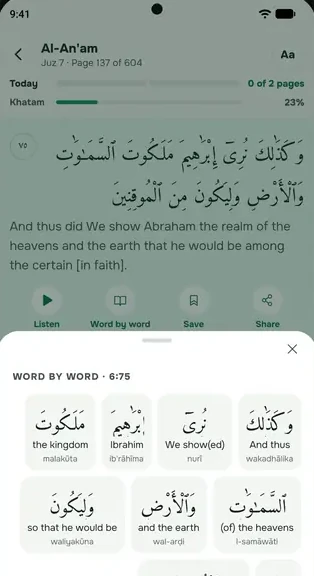
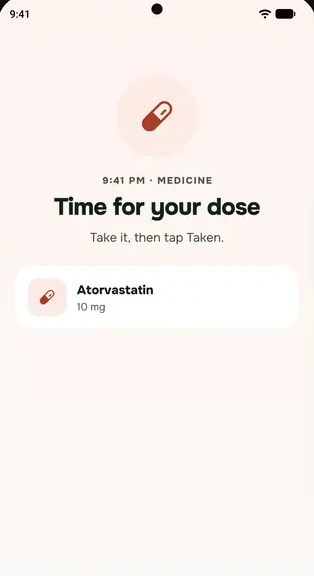
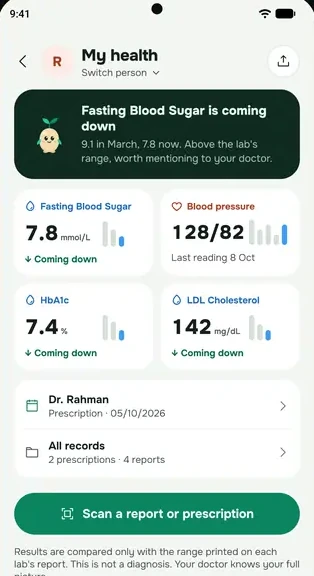
Oppo, Realme and OnePlus phones (ColorOS, realme UI and OxygenOS) close apps in the background to save battery. These settings keep everbud awake for prayer and medicine reminders. Menu names can differ a little by model.
1. Allow background activity and auto launch
- Open your phone's Settings → Apps → App management → everbud.
- Tap Battery usage (or App battery management).
- Turn on Allow background activity and Allow auto launch. If you see Allow foreground activity, turn that on too.
On older phones this may be under Battery → Battery optimisation: set everbud to Don't optimise.
2. Auto launch (Auto startup)
Some versions keep a separate list. Open Settings → Apps → Auto launch (or Auto startup) and turn on everbud.
3. Alarms & reminders
Open Settings → Apps → Special app access → Alarms & reminders and allow everbud.
4. Lock-screen prayer screen
On Android 14 and newer, allow full screen notifications for everbud. Also check that everbud's notifications are allowed on the Lock screen and as Banners, under Settings → Apps → App management → everbud → Notifications.
5. Lock everbud in recent apps
Open your recent apps, tap the ⋮ on everbud's card (or swipe it down) and choose Lock. Now clearing recent apps won't close everbud.
Then open everbud once so it can set up your reminders again. Still late? See Reminders late or missing? Start here.