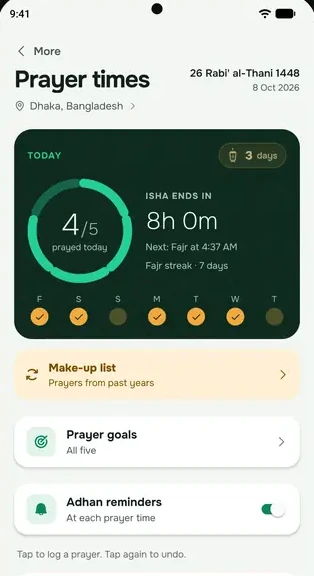
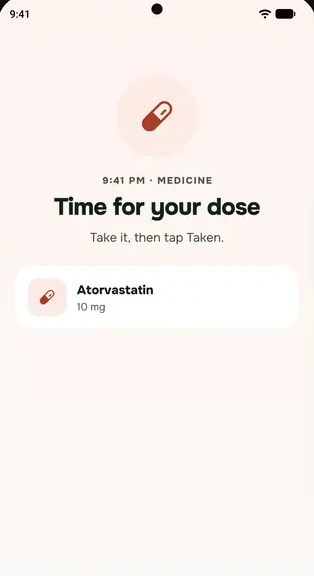
Most Android phones put apps to sleep to save battery. When that happens to everbud, prayer and medicine reminders come late or not at all. Five phone settings fix almost every case.
The quickest fix
Open everbud and go to More → Settings → Notifications & reminders → Keep reminders on time. It shows only the steps your phone needs. Tap Open settings on each one, change the setting, and come back.
The five settings
1. Notifications allowed. In Notifications & reminders, keep Reminders on, and the types you want, like Medications and Prayer times. If a banner says Reminders are off, tap Open settings and allow notifications.
2. Alarms & reminders allowed. Without this, Android can deliver prayer and medicine reminders up to 10 minutes late.
3. Battery: let everbud run in the background. Set everbud to Don't optimise (on some phones it's called Unrestricted or No restrictions).
4. Auto-start on. Xiaomi, Redmi, Poco, Oppo, Realme, OnePlus and Vivo phones block apps from waking up until you allow this.
5. Full screen notifications allowed. On Android 14 and newer, this lets the prayer screen appear over the lock screen.
Also check
- Open everbud at least once a week. Each time you open it, everbud plans the coming days' reminders.
- Silent and Do Not Disturb. Prayer reminders follow your ringer: silent on silent, vibration on vibrate.
- After a phone update or restart, open everbud once so it can set everything up again.
- Your phone's date and time should be set automatically.
Phone-by-phone steps
- Samsung
- Xiaomi, Redmi and Poco
- Oppo, Realme and OnePlus
- Prayer screen not full screen on the lock screen
Still late? Email support@everbud.app with your phone model and which reminder was late. Please don't send medicine names.