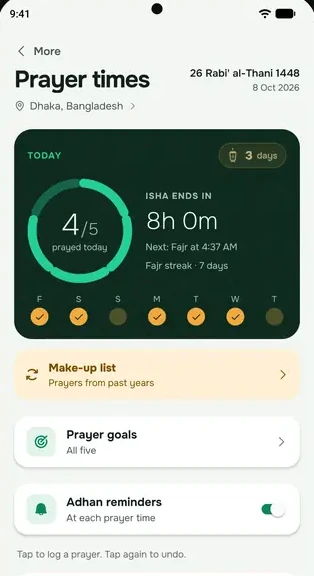


everbud works out prayer times on your phone for your location. By default it uses the Islamic Foundation Bangladesh method: University of Karachi angles (Fajr 18°, Isha 18°) with Hanafi Asr. A small difference from your mosque is normal. A big one usually means the location is wrong.
1. Check your location
everbud starts with Dhaka until you set your own area.
- Go to More → Settings → Prayer location (or tap the place name on the Namaz screen).
- Tap Use my current location, or pick your district from the Bangladesh list.
With your current location, the times follow you when you travel. Outside Bangladesh, use your current location.
2. Check the calculation method
- Go to More → Settings → Calculation method.
- Choose the method your local mosque follows. It saves straight away.
The choices are Islamic Foundation Bangladesh, ISNA, Muslim World League, Umm al-Qura and Egyptian Authority. Asr is always calculated the Hanafi way.
3. Check your phone's clock
Your phone's date, time and time zone should be set automatically. A wrong time zone shifts every prayer by an hour or more.
Why a few minutes' difference is normal
everbud shows when each prayer's time begins and ends. Many mosques call the adhan a few minutes after the time begins, and hold the jamaat later still. everbud's prayer reminders also come about 2 minutes after the time begins, so they're never early. For your jamaat, follow your mosque.
You can't add minutes to a single prayer in everbud yet. If the times still look far off after these checks, email support@everbud.app with your district and the mosque times you see.