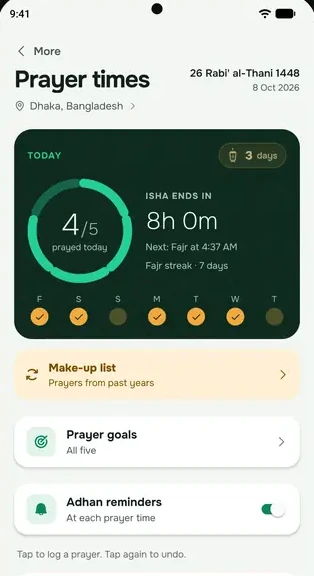

When it's time to pray, everbud can fill your lock screen with the prayer screen: the prayer, the time left and three buttons: I'm going to pray, Remind me in 15 min and I've already prayed. If you only see a small notification, check these in order.
1. Turn on the prayer screen
- Open everbud and go to More → Settings → Notifications & reminders.
- Turn on Prayer screen.
- Tap Preview the prayer screen, lock your phone, and wait about 15 seconds. The prayer screen should appear.
2. About the sound
With Prayer screen on, the Sound on the same card is the gentle sound: your phone's notification sound, with the calm prayer screen. Many of us already hear the adhan from the mosque, so it's a reminder, not a recording of the adhan. everbud doesn't play a recorded adhan for now.
To hear it, tap the play button next to Gentle sound. If you hear nothing, your phone is on silent. Turn the sound up and try again.
3. Allow full screen notifications
Android 14 and newer switch this off for most apps, and only you can turn it on. In everbud, open Keep reminders on time, find the lock screen step, tap Open settings, and turn on Allow full screen notifications.
4. Allow alarms and background activity
Without these, the prayer reminder can come late or as a plain notification.
5. Check the sound settings
- The gentle sound follows your phone: it's silent when the phone is on silent or Do Not Disturb.
- To wake for Fajr, turn on Ring Fajr even on silent or Do Not Disturb on the same card. Then Fajr rings even on silent. The other four prayers still follow your phone. Fajr then uses your phone's alarm tone.
- In your phone's settings, under everbud's notifications, keep Prayer time · gentle sound on, with sound. (If you still see Adhan · prayer time, keep that on too.)
6. Open everbud now and then
everbud sets your prayer reminders a week ahead. Open it at least once a week, and once after your phone restarts or updates.
Xiaomi, Redmi and Poco phones also need Show on Lock screen allowed. See Xiaomi, Redmi and Poco. For other phones, see Reminders late or missing? Start here.